Loper
The easiest code editor on the market. Have fun.
A free, minimal, color-coded editor for the files developers open all day: .env, Markdown, JSON, YAML, TOML, code and more. A gift from Nomad Code Labs.
How Loper works
See what is what at a glance.
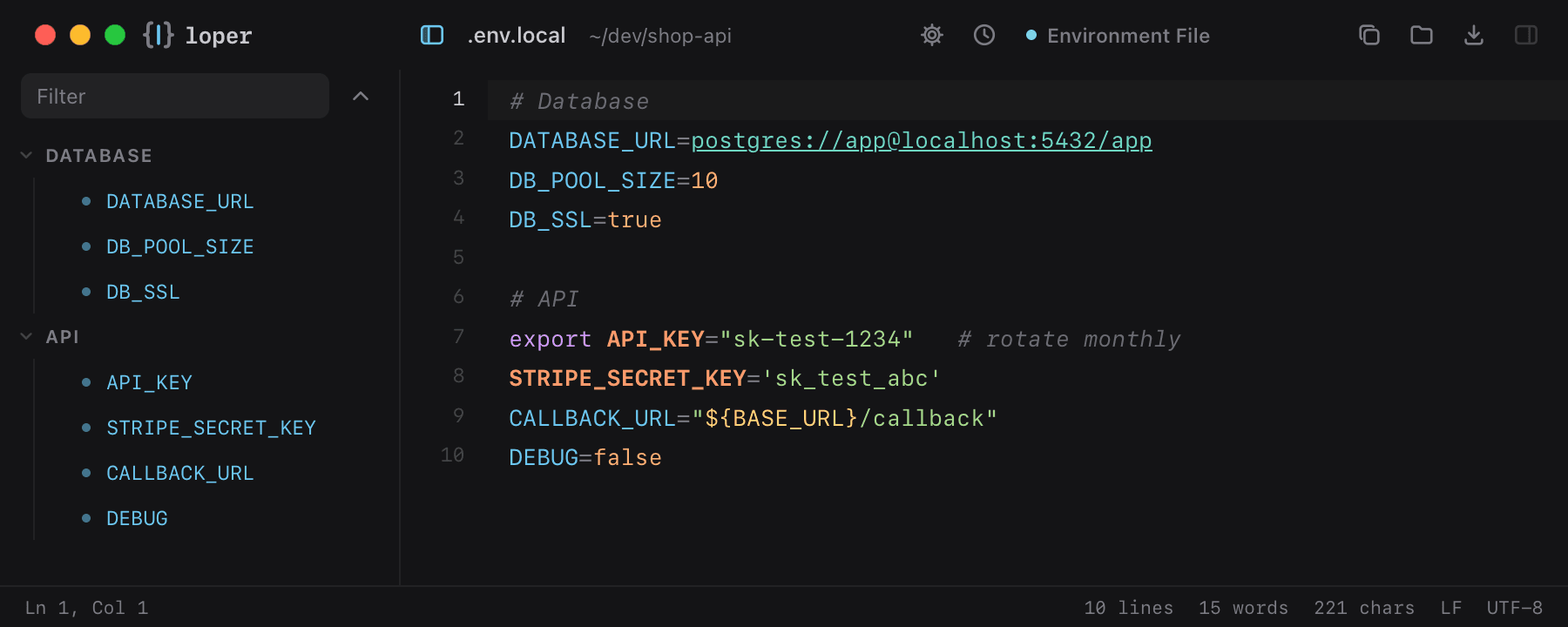
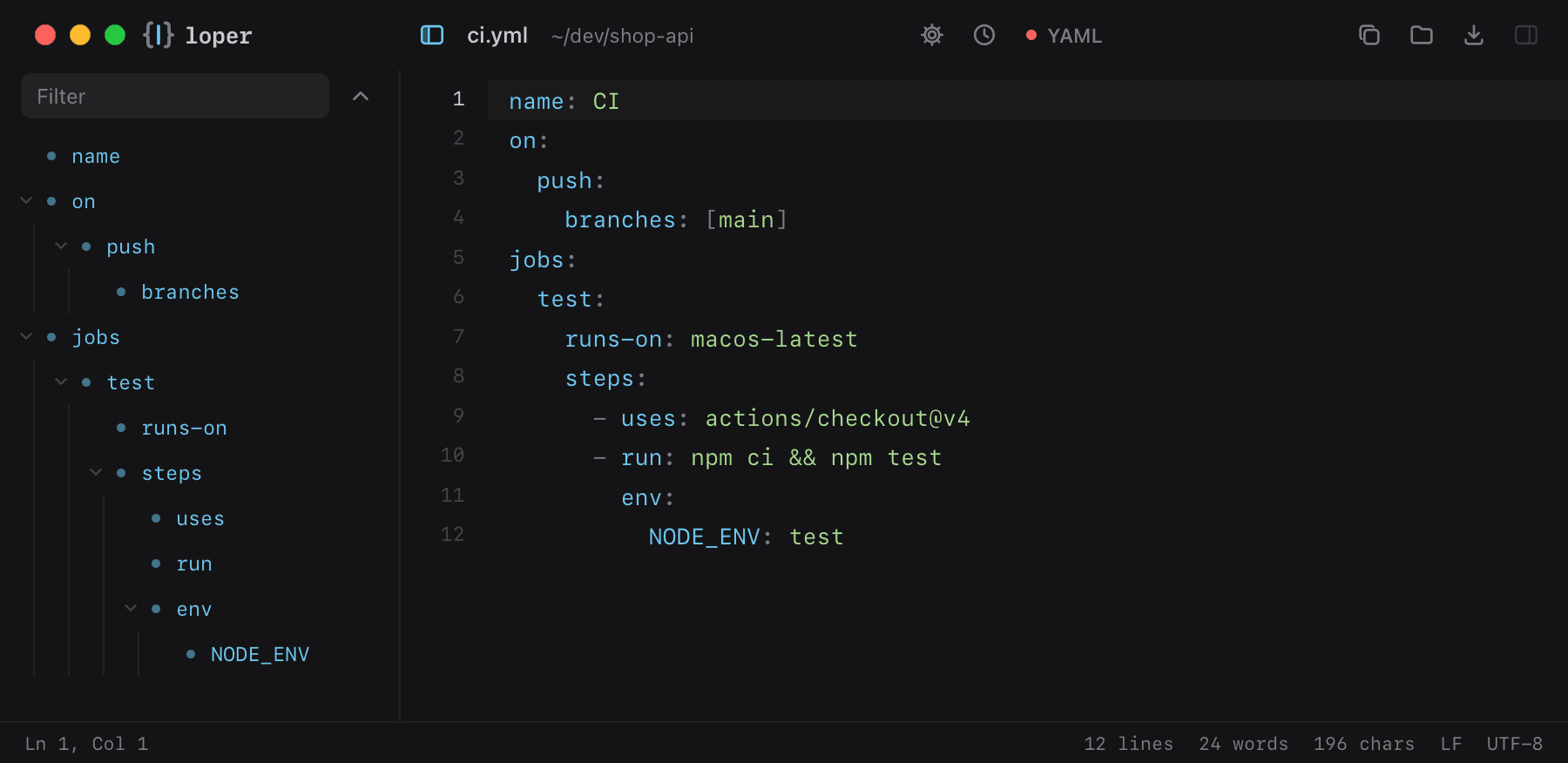
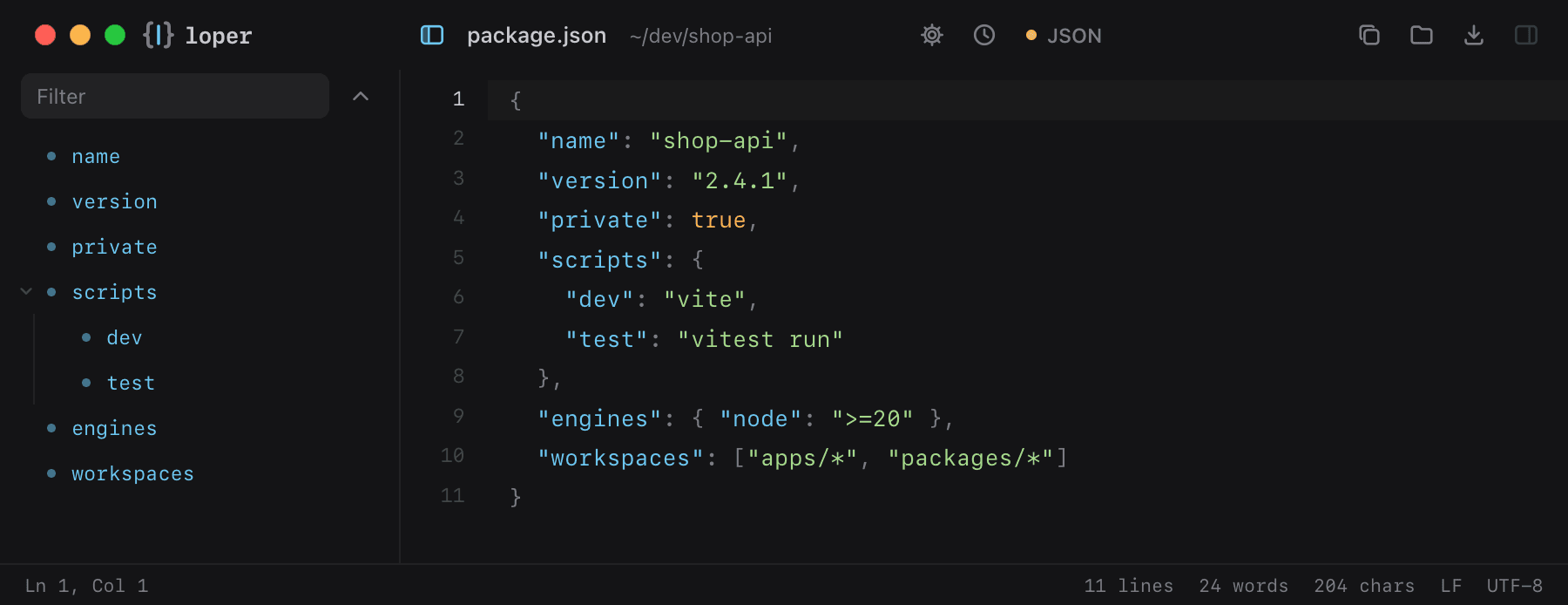
Open a .env, Markdown, JSON or YAML file and Loper colors every key, value, number, secret and variable, and lists them in an outline tree on the left. Double-click a file, fix it, save. Loper is free, and it updates itself.
Status
FREE DOWNLOADPlatforms
macOS
Built with
Tauri · Rust · Svelte · CodeMirror
A closer look — every screen
Open loperedit.com ↗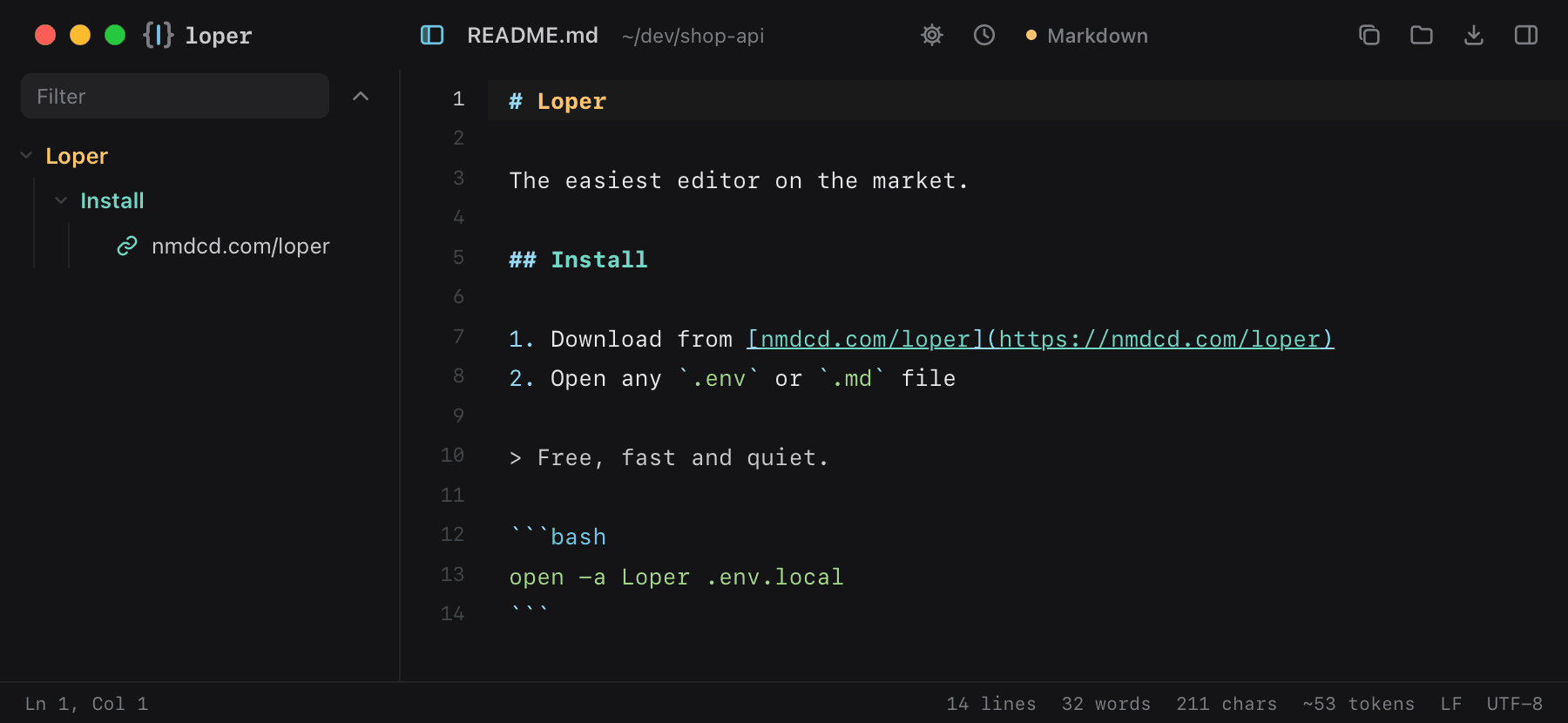
Overview
Loper is a tiny desktop editor for quick and easy editing and viewing. It opens .env, Markdown, JSON, YAML, TOML, shell scripts, TypeScript, Python, Rust and more, and colors every key, value, number and variable so you see what is what at a glance.
An outline tree lists headings, links and images in Markdown and keys in config files; a live preview renders Markdown, HTML and SVG next to the editor. Loper updates itself, and it is free. If you like it, you can buy us a coffee.
Capabilities
Color-coded
Keys, values, secrets, numbers and ${VARIABLES} each get their own color.
Outline tree
Headings, links and images in Markdown; sections and keys in .env, YAML, JSON and TOML.
Live preview
Markdown, HTML and SVG side by side with resizable panels.
Default editor
One click makes Loper the app for every file type it knows.
Access
Not shipping
yet — but soon.
Loper is in active development. Leave your email and you'll be first to know when the beta opens.